
Customization - Personalize your Web Experience
User Styles
The following User Styles compliment LavaFox and BlackFox, some tweak the User Interface and some re-design popular websites such as Google, YouTube, Facebook etc.
To apply User Styles:
To apply User Styles:
- Install Stylus for Firefox / Google Chrome.
- Install any of the following User Styles:
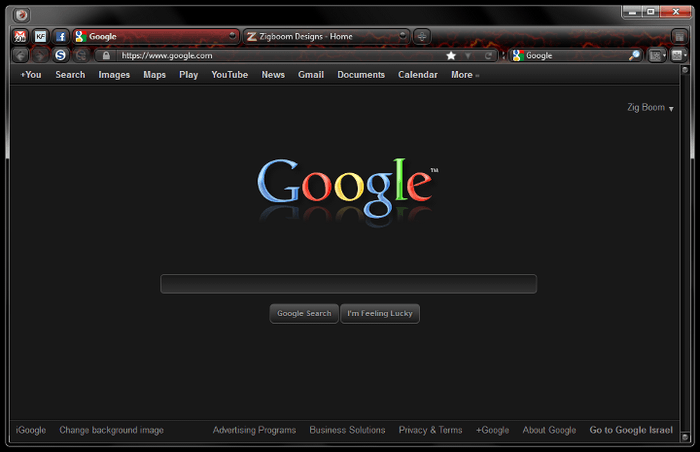
Darker Google
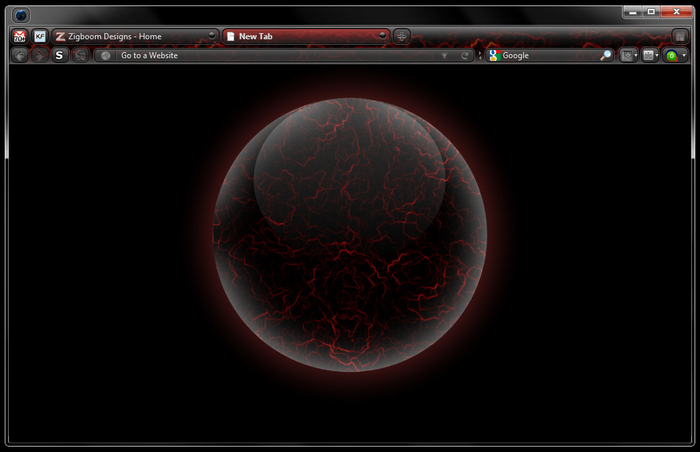
about:blank - LavaFox & BlackFox
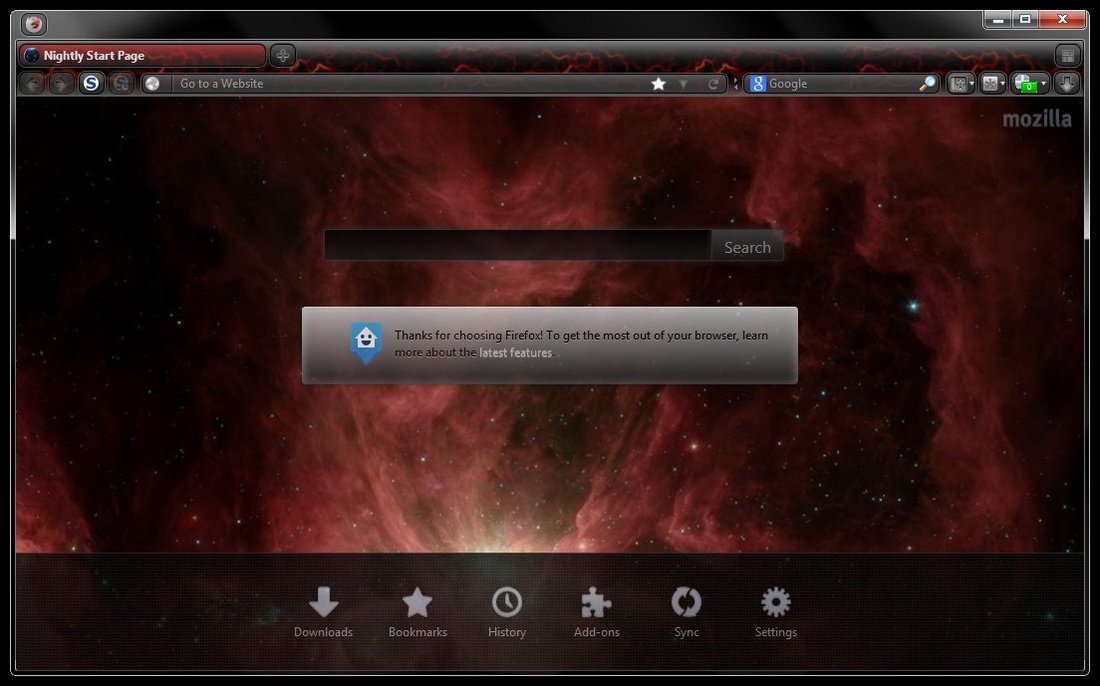
about:home - LavaFox & BlackFox - Orion's Belt
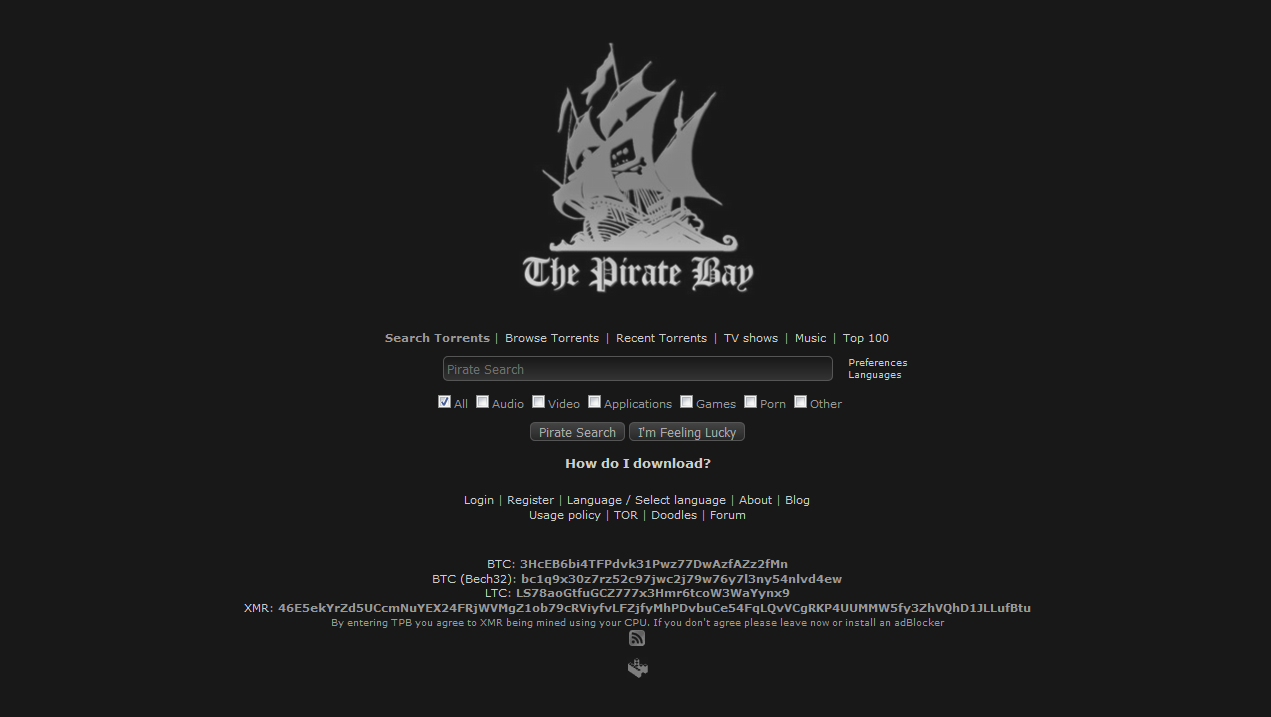
Darker Pirate Bay
|
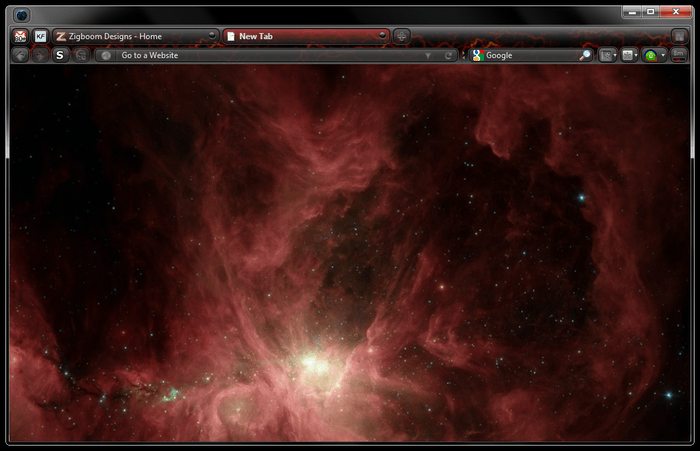
about:blank - LavaFox & BlackFox - Orion's Belt
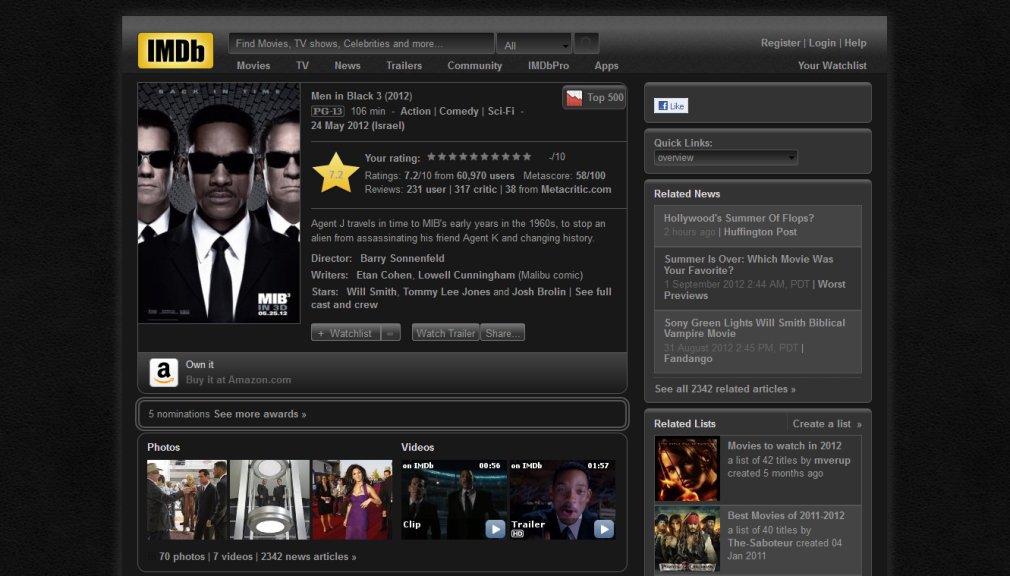
Darker IMDb
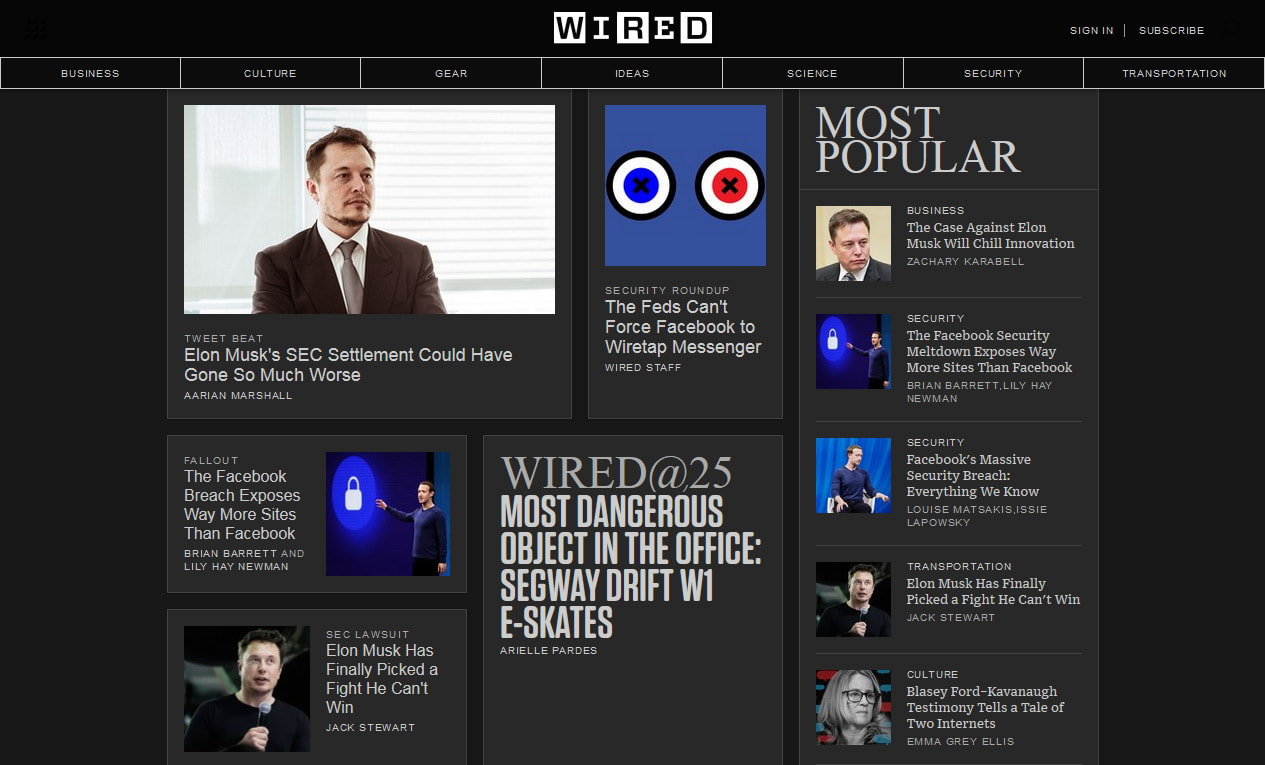
Darker WIRED

Darker Gizmodo
|
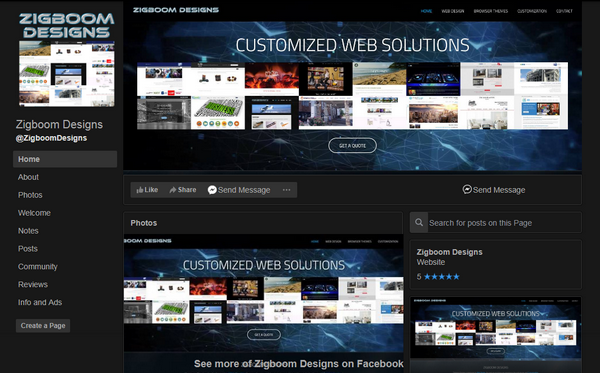
Darker Facebook
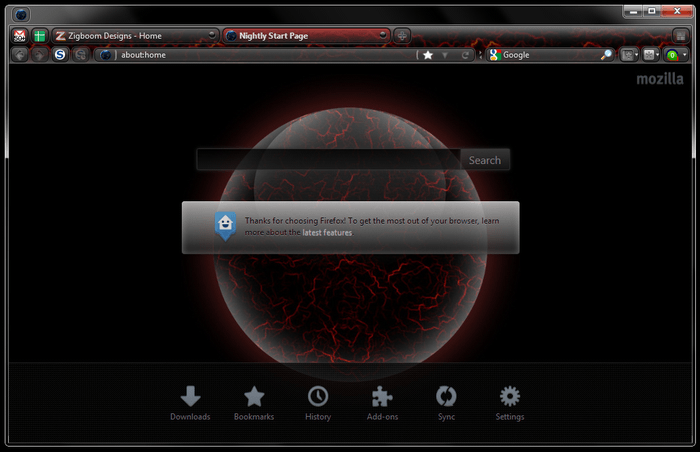
about:home - LavaFox & BlackFox
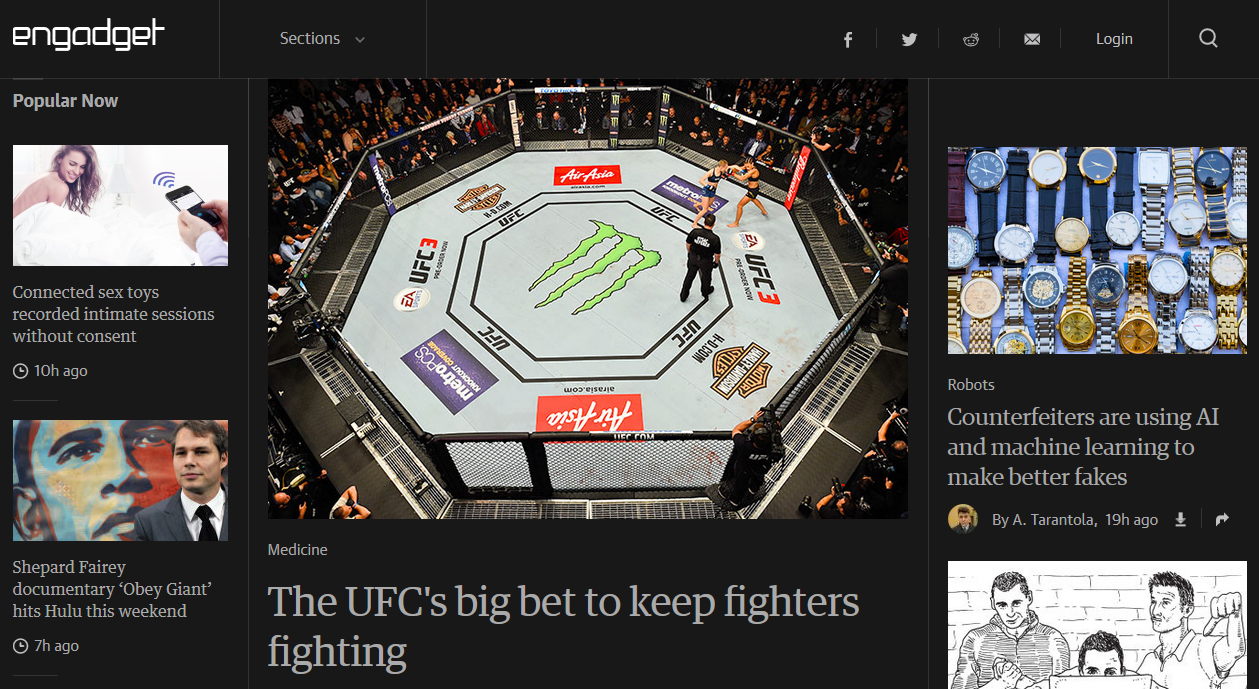
Darker Engadget
|
PortableApps.com Themes
DefaultDarker is a dark & modern PortableApps.com Theme that is matching the Win10 dark theme.
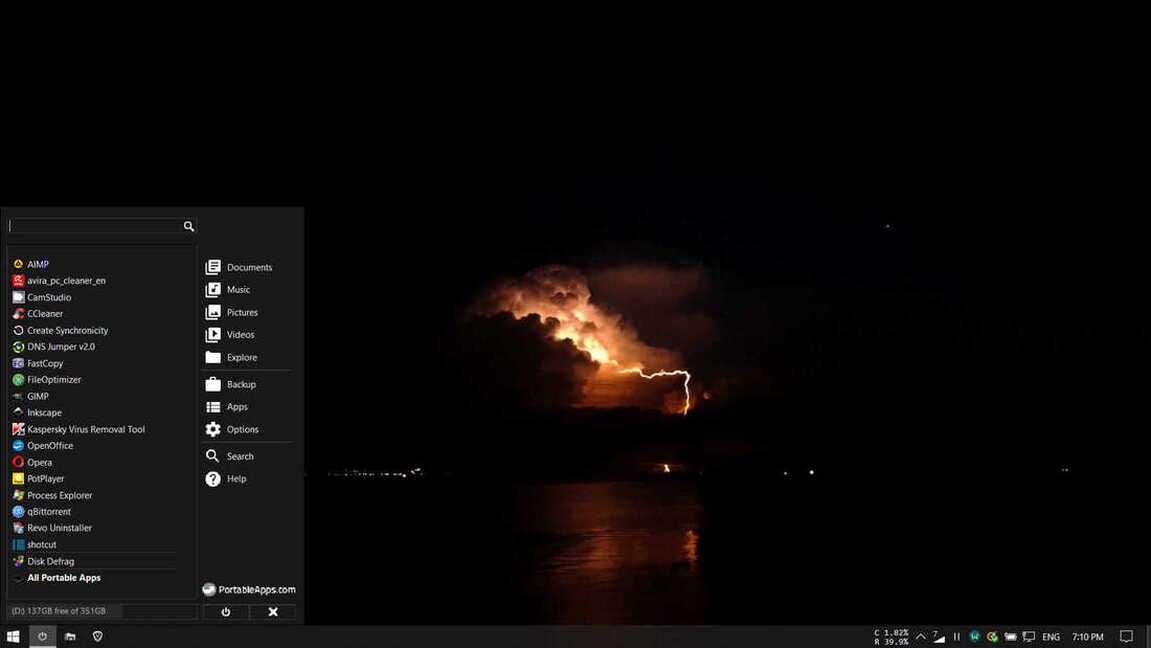
Installation: navigate to PortableApps\PortableApps.com\App\Graphics\Themes\
Backup and then replace the DefaultDark folder with the downloaded folder - link below (unzip it first).
Choose Default Dark from PortableApps.com / Settings / Themes.
Backup and then replace the DefaultDark folder with the downloaded folder - link below (unzip it first).
Choose Default Dark from PortableApps.com / Settings / Themes.

| defaultdarker.zip |
